
Maplecord
Chat, voice and loot rolling for game groups.
Quality of life, for everyone
The extras other platforms keep for paying members are simply part of Maplecord. There is no subscription and nothing to unlock.
- Bigger files. Up to 32 MB in chat, larger than many other platforms allow for free.
- Any size between friends. Friends who both allow P2P can send each other files with no size limit.
- Sharper streams. Share your screen at up to 1080p and 60 frames a second in P2P channels and calls, with sound.
- Animated profile pictures and animated decorations around them.
- Profile banners, a colour of your own, a bio and pronouns.
- Your name, your way: a choice of fonts and colours, including two-colour names.
- Colour themes for the whole app.
- Custom sound packs.
Chat
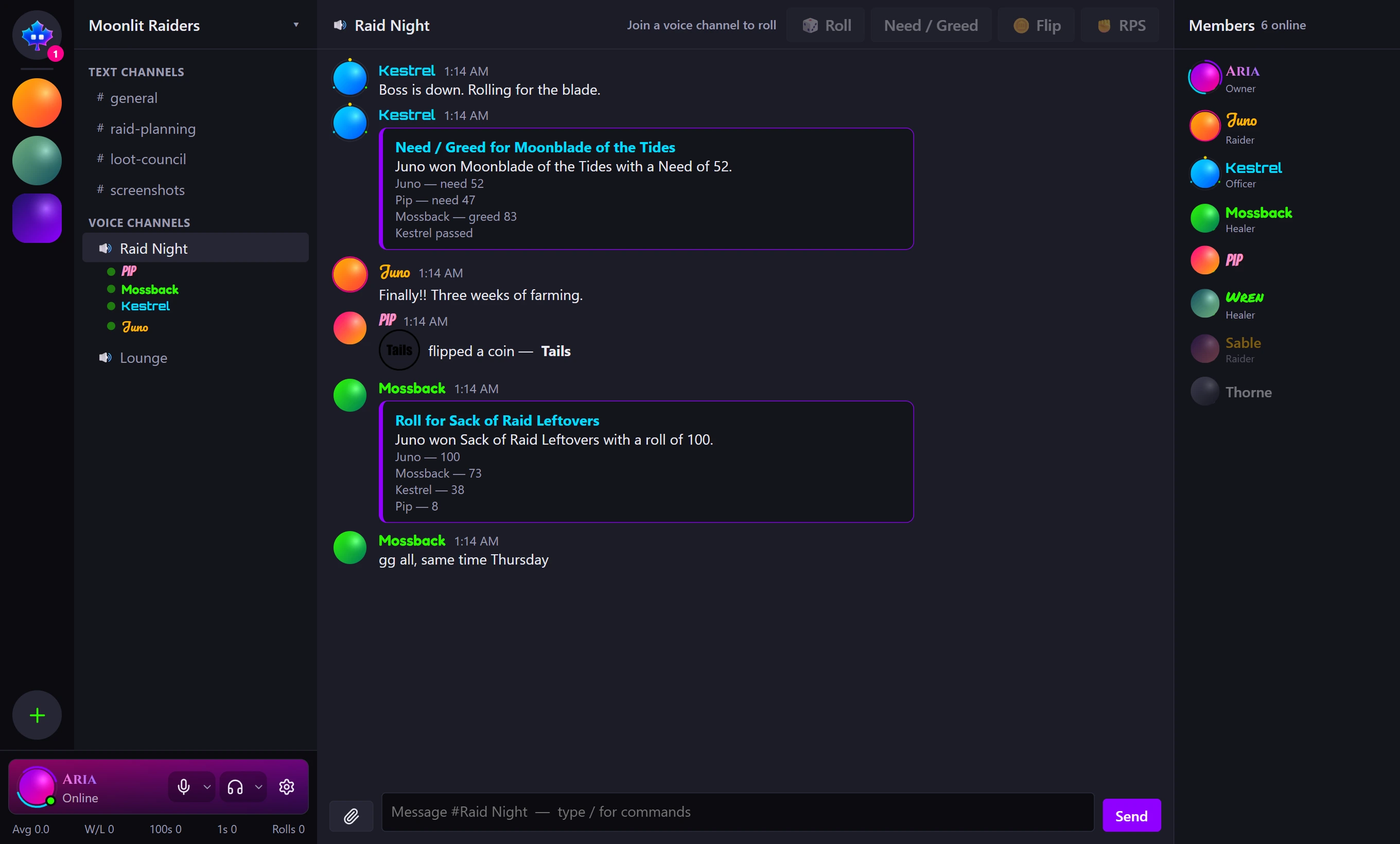
- Servers with text and voice channels, roles and permissions, and invite links that open in the app or the browser
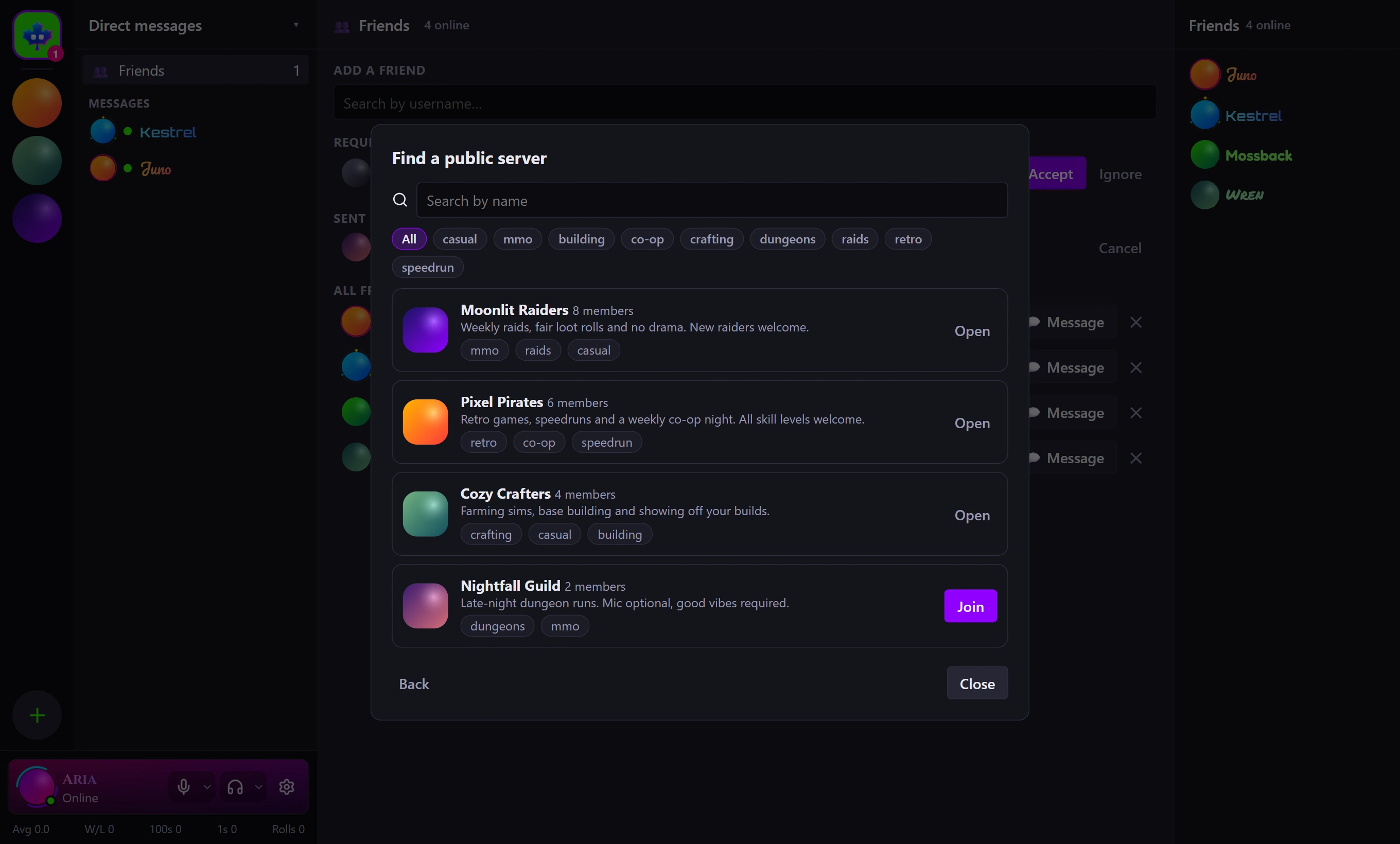
- Public servers anyone can find by name or topic and join; private ones are by invite
- Private channels: only the roles and people you let in can see that they exist
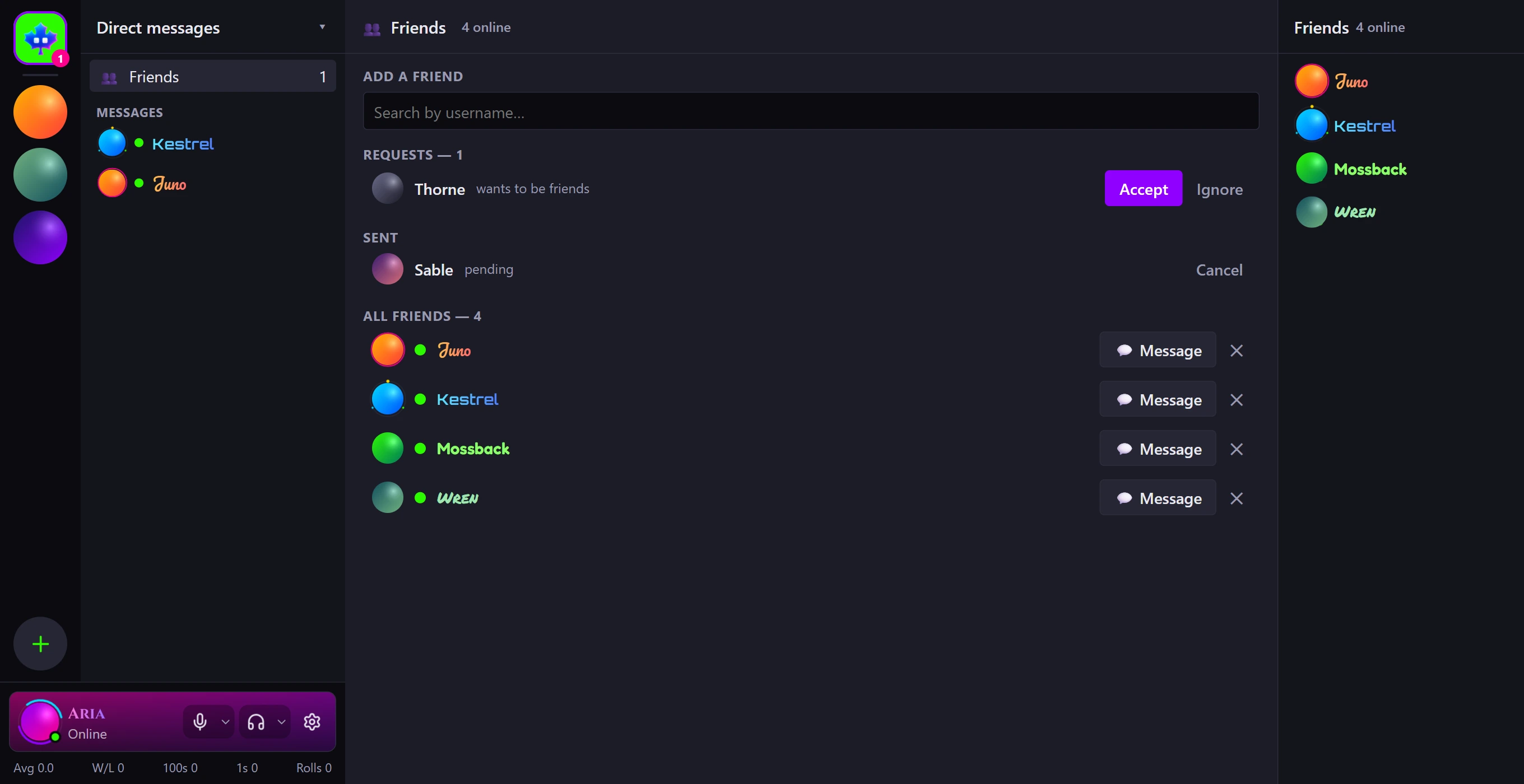
- Friends and direct messages
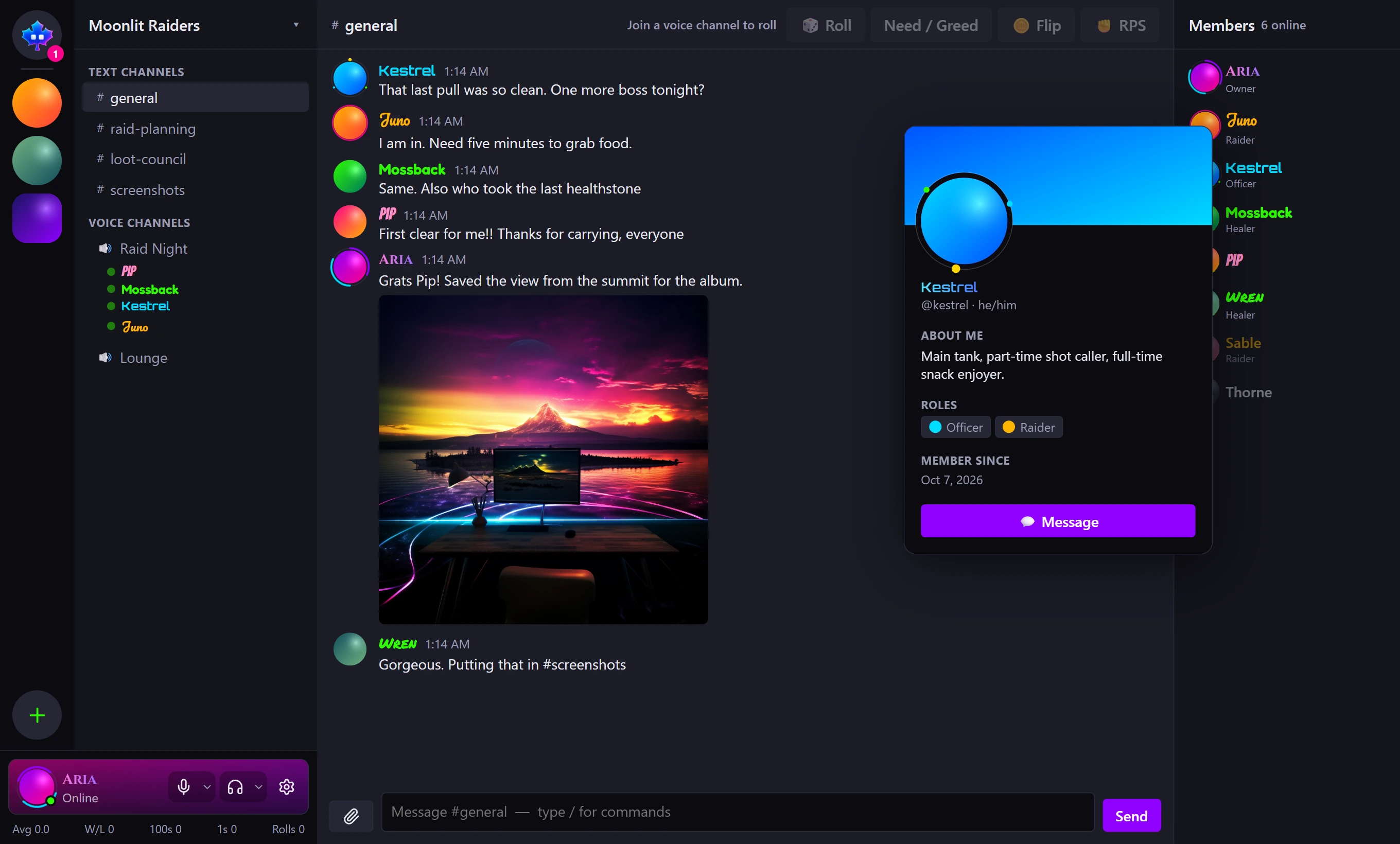
- Files, pictures and videos in chat; pictures and videos show right there
- Voice messages: record up to 15 minutes and post it, and it plays right in the chat
- Unread counts, per-channel and per-server mute, and folders to group your servers
- Profiles with display names, avatars, banners, name fonts and animated decorations
- Status (online, do not disturb, invisible), blocking, and a say over who may send you friend requests
- Slash commands, bots and webhooks
Voice and video
- Voice channels: mute, deafen, a volume for each person, and switching microphone or speakers without leaving
- Your microphone is only sent while you are talking, so the room behind you stays out of the call
- Call a friend from your conversation with them
- Share an app window, a whole screen or your camera, with the computer's sound if you like, at the quality you pick
- A stream you are watching can fill the screen or pop out into its own window, with its own volume
For game groups
- Rolls: roll, need / greed, rock paper scissors, coin flip, dice. The server does the rolling, and a roll goes to whoever is in voice with you.
- In-game overlay with global hotkeys (desktop app)
- Game plugins: item names and icons, optional drop detection from the game's log (desktop app)
- Custom sound packs
Everywhere
- A desktop app, and the same thing in a browser. On a phone it can be added to the home screen.
- Colour themes
- Sign in with Google or GitHub. There is no password.
- The app is open source
P2P
Everything above works by only connecting to the Maplecord server and using a relay to communicate. P2P is extra: it is kept apart from the rest and is off until you turn it on.
In a P2P connection your app connects straight to the others. That allows more, but it means the people you connect to that way can, with the know how, find your IP address.
- Privacy. A P2P connection is made for users by the server, but the connection is direct and private. Nothing passes through the server or relay.
- Turning it on. Untick "Do not allow P2P connections" in Voice settings. You are asked to sign in again, to be sure it is you. Tick it again whenever you like.
- P2P voice channels are their own kind of channel, marked with a P2P tag, and you are warned before you join one. They never mix with ordinary channels.
- P2P calls are a separate button in a conversation with a friend, and only ring if your friend allows P2P too.
- Files of any size between friends who both allow P2P, straight from one computer to the other.
- Higher stream quality. A server can allow more in P2P channels and calls, 1080p at 60 for example.
Whoever runs the server sets the P2P limits and can switch P2P off for everyone.